Projector screen size and distance
How far from the wall should the projector go, and how big will the picture be? One number answers both: the throw ratio.
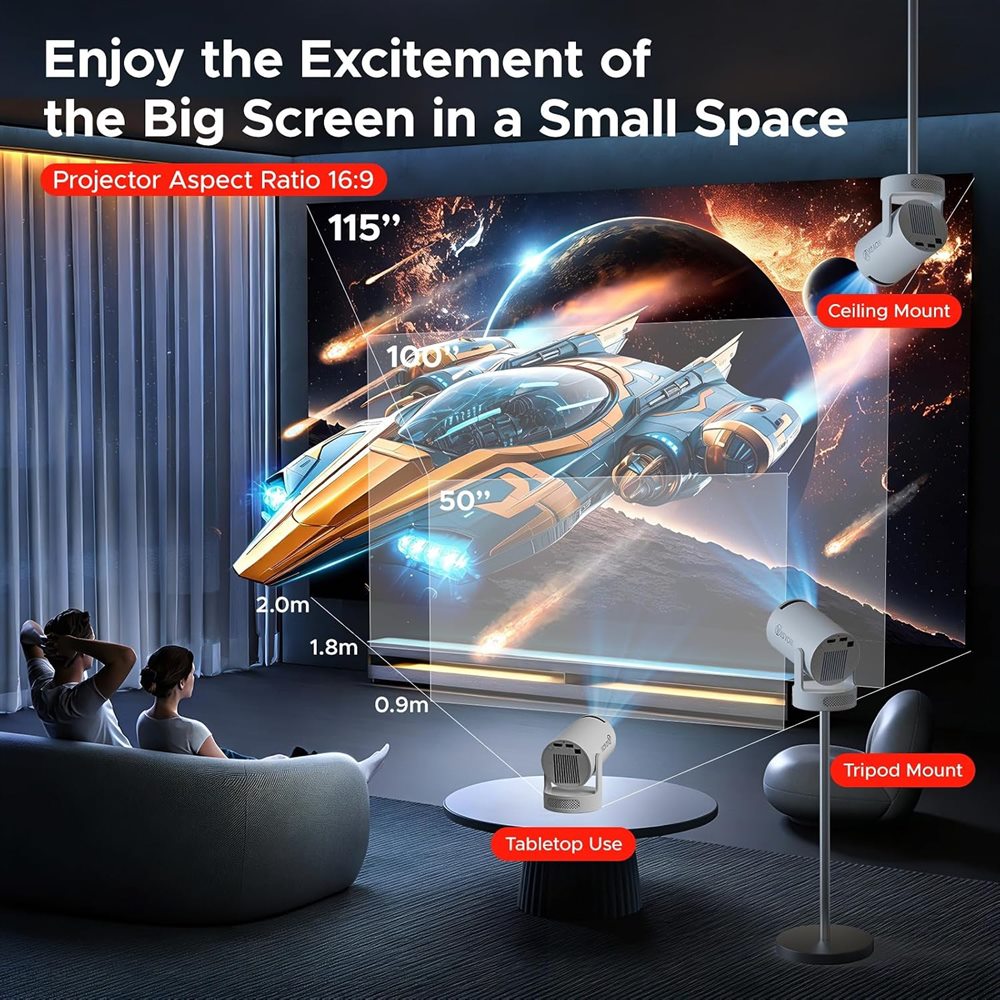
The throw ratio
A projector's throw ratio tells you how far away it must be for a picture of a given width:
Distance to the wall = throw ratio × picture width
For a widescreen (16:9) picture, the width is about 0.87 × the diagonal size.
So with a throw ratio of 1.2:1, a picture 2 metres wide needs the projector about 2.4 metres from the wall.
Quick table
Distances for two common throw ratios. Your projector's manual gives its own throw ratio; the further away, the bigger the picture.
| Picture (diagonal) | Picture width | Distance at 1.2:1 | Distance at 1.5:1 |
|---|---|---|---|
| 60 in (152 cm) | 1.33 m | 1.6 m | 2.0 m |
| 80 in (203 cm) | 1.77 m | 2.1 m | 2.7 m |
| 100 in (254 cm) | 2.21 m | 2.7 m | 3.3 m |
| 120 in (305 cm) | 2.66 m | 3.2 m | 4.0 m |
Bigger isn't always better
The same light spread over a bigger picture looks dimmer. In a typical UK living room or bedroom, 60 to 100 inches is the sweet spot for a mini projector. Go bigger only in a properly dark room.
Too big for the wall?
- Move the projector closer.
- Use digital zoom (HY300 Ultra: 40–100%) to shrink the picture without moving it. Zooming in a long way lowers sharpness and brightness a little.
What to project onto
A smooth, white or light grey matt wall works well. Avoid textured or coloured walls. A pull-down or tripod screen gives the cleanest picture, and a tightly hung white sheet works for one-off garden film nights.
Seating distance
A comfortable seating distance is roughly 1.5 times the picture width. For a 2.2 m wide (100 inch) picture, sit about 3.3 m away.
Updated 6 November 2026